
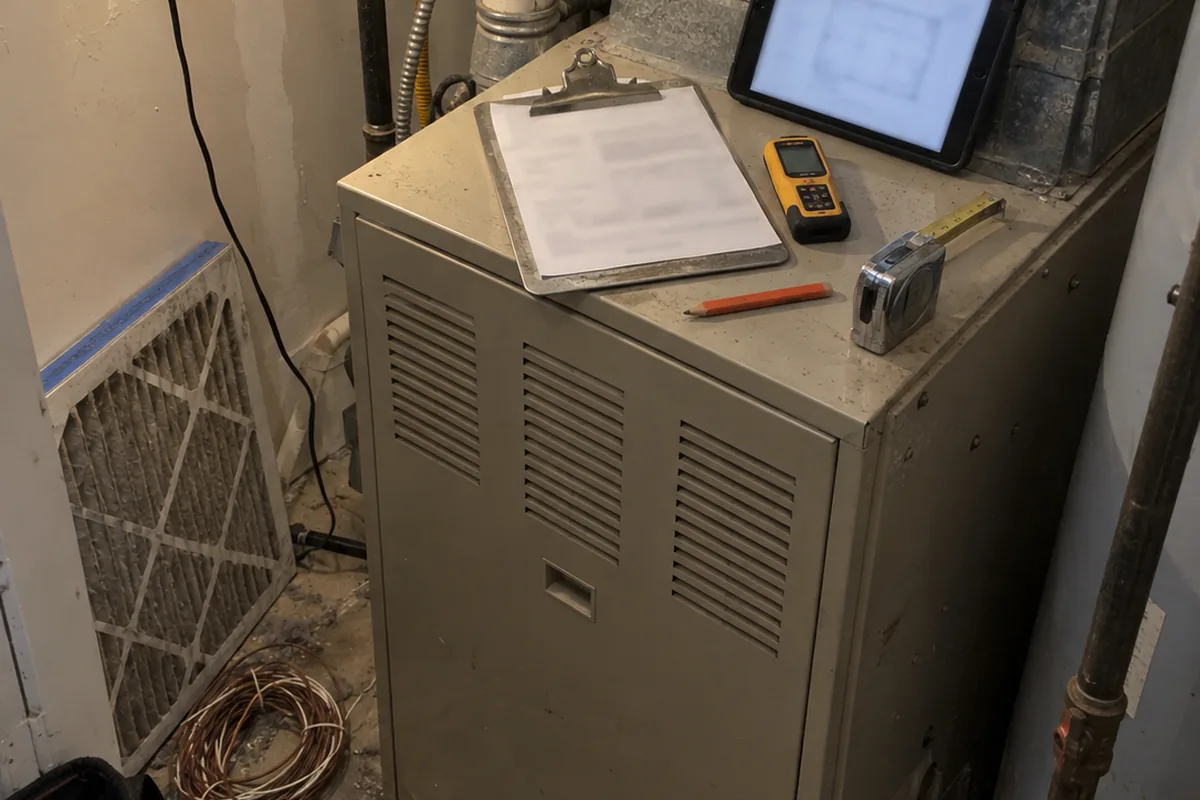
The best HVAC estimating software depends on which job you are trying to estimate. One search for “HVAC estimating software” returns residential quoting tools, commercial mechanical takeoff software, and load calculation software. They are not interchangeable. The price gap gives away the split. Residential quoting is bundled into field service platforms for tens of dollars a month. Commercial takeoff tools publish no price and send you to a demo. The load calculation layer sits underneath both, and that is what makes a residential replacement estimate defensible.
The estimating tool is not usually where a residential replacement quote goes wrong. It goes wrong before that, when a caller says the unit is nineteen years old and someone on the phone treats it as a repair ticket instead of recognizing a replacement conversation. The quote that never got requested does not show up as a loss in estimating software. That software only ever sees the jobs that reached the estimate stage.
Residential quoting is already inside your field service platform
For a small residential shop, quoting means building and sending a price after the technician has diagnosed the job. It may include customer approvals, follow-ups, price book items, and proposal formatting. You are buying a field service platform, not a separate estimating engine.
Jobber lists quoting, high-value quote alerts, auto-drafted quotes, and automated follow-ups on all four plans. Its annual prepaid prices are $29 a month for Core, $99 for Connect, $149 for Grow, and $399 for Plus. Month to month, those same plans run $49, $139, $199, and $499. Core, Connect, and Grow include one user. Plus includes five. Additional users cost $29 a month.
The feature a replacement shop actually wants does not start on the entry plan. Jobber lists advanced customization and optional add-ons and markups only on Grow and Plus. If your estimate needs equipment, accessories, labor choices, and customer-selected upgrades, the quoting checkbox on the entry tier does not tell you whether your plan supports that work. That is the same trap that runs through how these platforms are actually metered and through the way scheduling, booking and dispatch are three different products. Read the feature row, not the category name.
Housecall Pro lists Basic at $59 a month annually or $79 monthly, with one user. Essentials is $149 annually or $189 monthly, with five users. Max is $299 annually or $329 monthly, with eight users, and additional users on Max cost $35 a month. Basic includes quotes and proposals, described on the page as sending quick, accurate quotes with clear pricing by text or email. The price book starts at Essentials. The sales proposal tool appears only on Max, labeled there as a $40 a month value, with visual proposals, customized images, and side-by-side comparisons.
A flat rate price book is a separate purchase. Profit Rhino SmartPrice lists Starter at $39 a month per technician, Plus at $49, and Pro at $59. Every tier requires success coaching and implementation. The product describes itself as a digital price book and management platform for accurate pricing.
Commercial takeoff counts a blueprint, not a changeout
Commercial mechanical takeoff is a different job entirely. FastEST’s FastDUCT handles takeoffs and reporting on ductwork, sheet metal, and HVAC equipment. It calculates pounds, square feet, material costs, and labor hours, then exports to Excel for the final quote. FastEST says the software is designed specifically for commercial and industrial sheet metal contractors, and its page does not mention residential applications. It publishes no price, offers a demo request, and states that FastDUCT is backed by an unconditional 60-day money-back guarantee.
Beam AI sells AI blueprint takeoff for mechanical work, extracting quantities for ductwork, air terminals, chillers, piping, and accessories from blueprint PDFs. Beam says its tool saves 90% of your time on mechanical takeoffs, returns QA-reviewed takeoffs in 24 to 36 hours, QA-verifies every takeoff before delivery, and lets you bid three times more jobs without adding estimators. Those are Beam’s own marketing claims, not established results. Beam publishes no price either and directs visitors to book a demo.
Both products are built around a blueprint, and a residential changeout does not come with one. The AI in this category is counting duct runs and terminals on a plan sheet. It is not deciding what equipment belongs in a 1978 ranch house.
The layer nobody shops for is the one the permit office reads
Manual J 8th edition is the ANSI-recognized national standard for residential equipment sizing loads. The IRC requires a load calculation for mechanical permits, and the IECC has referenced Manual J since its 2009 edition. That makes it the one piece of this stack a third party can actually hold you to, which is why the sizing calculation most estimates skip is worth settling before you shop for anything else.
ACCA maintains a published list called Approved Software. Its language is blunt: “Only ACCA-approved software complies with our design standards and meets building code requirements!” Software not on the list, ACCA says, “is not ACCA-approved, and it does not produce results in compliance with our rigorous standards.”
For Manual J, that list includes Wrightsoft Right-J8, Elite RHVAC, Adtek Acculoads, EnergyGauge from the Florida Solar Energy Center, Carmelsoft HVAC ResLoad-J, Avenir MJ8 Editions, Cool Calc Manual J, Conduit Tech, Amply Energy, and Zero Homes. For Manual D it lists Wrightsoft Right-D, Elite Ductsize, Adtek Accuduct, Cool Calc, and EnergyGauge.
None of the field service platforms in the first category appear anywhere on that list. A quoting tool that formats a clean proposal is not a load calculation, and the permit office does not care how the PDF looked. The load is also only the first of three calculations, since turning that load into the right equipment and the duct calculation that decides whether the first two mattered are separate steps, and the matched system you land on still needs the AHRI reference number that belongs on the estimate.
What it costs, depending on which one you meant
If you mean residential quoting, it is already inside the platform you are paying for. Jobber runs $29 to $399 a month on annual prepaid, or $49 to $499 month to month. Housecall Pro runs $59 to $299 a month annually. In both cases the specific feature you want may sit on an upper tier.
If you mean a flat rate price book, Profit Rhino publishes $39 to $59 per technician per month.
If you mean the load calculation that holds up, Cool Calc charges nothing to create an account and states that no payment is required to start, so you can build a project and explore the tool before paying for results. Its Personal plan is $45 per project and covers Manual J, S, and D. Its Pro plan is $50 per user a month with unlimited Manual J.
If you mean commercial blueprint takeoff, nobody here publishes a number and you are booking a demo.
These figures came from each vendor’s own page in September 2026, and this category moves. Confirm the current numbers at the source before you sign anything.
The estimate starts before anyone opens the software
Every product above assumes the estimate already exists. The nineteen-year-old furnace call has to be recognized as a replacement conversation first, by whoever picks up, and that happens well before a proposal screen opens. It is the one step in this chain that no estimating tool measures, because a quote nobody asked you for leaves no record.
That is the step Dial 72 covers. It answers in under a second, 24/7, and triages by your shop’s own rules, so no heat or no cool in extreme weather, vulnerable occupants, or medical equipment escalate to your on-call tech. Ordinary work books straight into the calendar while the caller is still on the line, with the summary by text in English or Spanish. It recognizes maintenance members, and it flags a replacement lead as high value with a callback request rather than quoting a price over the phone, which is the handling a replacement lead actually needs. Dial72 runs flat at $95, $295, and $495 a month, with no per call and no per seat meter.
Decide which of the three you are buying
Start with the job, not the search term. Buy residential quoting if you need to send and manage replacement proposals. Buy a flat rate price book if you need standardized service pricing your techs present the same way every time. Buy ACCA-approved load calculation software if you need sizing that supports both the replacement and the permit.
Do not buy commercial blueprint takeoff for a residential changeout, and do not treat a field service quote as a Manual J. Identify the category first, check the vendor’s current price second, and confirm the software does the specific work your estimate requires third. Then decide who handles the call that creates the estimate in the first place, because that is where a replacement job becomes a quote you get to write, or nothing at all. How it works walks that call flow end to end.
