
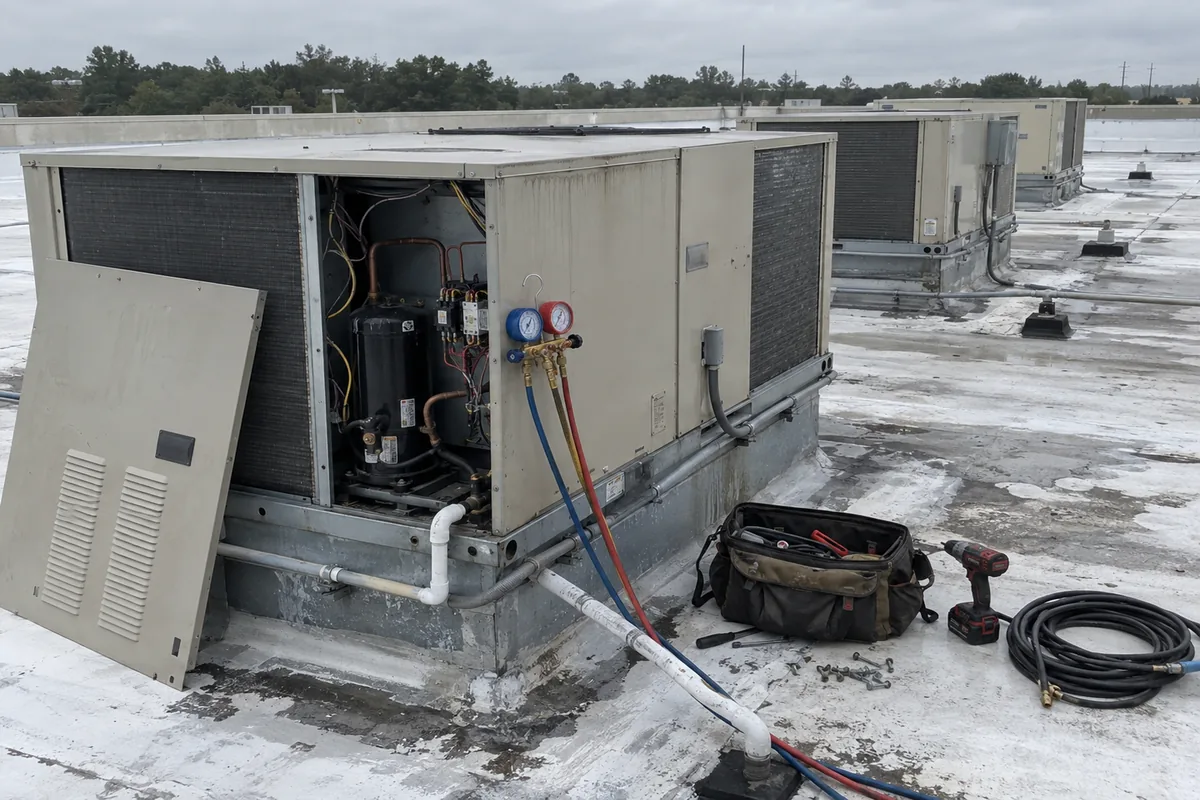
Commercial HVAC is not residential work on a bigger building. The record changes shape, the approval path changes, and the work order can arrive from the customer’s system instead of yours. Any commercial HVAC CRM or commercial HVAC dispatch software worth buying has to account for those three facts.
A residential shop that wins its first multi-site account usually finds the gap in the office first. The wrenching is familiar. The paperwork is not.
The record gains two layers
Residential field service software starts with a job at an address. One system, one visit, and the person at the door is usually the person who can approve the repair.
Commercial adds a layer above the job and a layer below it. One customer can have many sites. One site can have many rooftop units. The record has to hold the location and the individual piece of equipment separately, because the service history belongs to the unit and the contract belongs to the customer.
That changes what your system of record is organized around. ServiceTitan’s commercial contractor page describes the work as “service agreements, demand service, commercial project management, progress billing, subcontractor coordination, job costing, and multi-location operations.” That page publishes no pricing. It offers a demo request and an ROI calculator instead.
BuildOps makes the split explicit on its own site: “Commercial work isn’t an add-on.” It says most platforms started in residential and stretched to fit, while BuildOps starts with the complexity of commercial work. Housecall Pro sits on the other side of the same line, describing itself as serving home service professionals across roughly 16 trades including HVAC, plumbing, electrical, appliance and pool service. It does have a commercial services section, but the emphasis across the site is residential.
Neither shape is better. They tell you which record each product was built around, which is the only question that matters when you are the one signing up.
Your maintenance program runs on a different standard
The residential standard is ANSI/ACCA 4 QM, titled “Maintenance of Residential HVAC Systems.” Residential is in the title. It defines the minimum a residential maintenance visit has to include, and ACCA gives it away free.
Commercial maintenance runs on a separate document entirely. ANSI/ASHRAE/ACCA Standard 180-2018, “Standard Practice for Inspection and Maintenance of Commercial Building HVAC Systems,” is published by ASHRAE and co-sponsored by ACCA. The 2018 edition is current, following 2008 and 2012, with a revision project underway as SPC 180-2018R. ASHRAE says it establishes minimum inspection and maintenance requirements that preserve a system’s ability to achieve acceptable thermal comfort, energy efficiency and indoor air quality in new and existing commercial buildings. It sits among ASHRAE’s free read-only standards, so you can read it before you quote against it.
The difference is not the title. A residential maintenance agreement is organized as a visit. A program under Standard 180 attaches to the building’s equipment, and inspection, maintenance, service and repair are four separate categories of task. Don Prather, ACCA technical services manager, described the 2018 revision this way: “We added language to help differentiate between inspection, maintenance, service, and repair tasks. We also eliminated ambiguities and clarified how maintenance programs are to be initiated and implemented.”
A calendar that creates a recurring visit does not create a per-asset task list. That is a data structure, not a setting.
The work order can live in the customer’s software
This is the structural difference residential systems have no field for. On a multi-site account, the work order often does not originate with you at all. It originates in the facility owner’s platform, and you work inside it.
ServiceChannel is sold to multi-site operators and facility management teams, not to contractors. Its named users are finance teams, facilities teams, location managers and operations leaders. Contractors reach it through a separate provider app. The platform can “automatically assign work orders to the top-ranked provider (external or internal) based on location and trade,” and it lets the customer “set not-to-exceed (NTE) limits for each problem code you configure in the Platform. Providers cannot submit invoices that exceed the NTE limit.”
Read that second one twice. The NTE is a price ceiling set before anyone looked at the equipment, and it is attached to a problem code rather than to your job. The same platform can require proof of arrival through IVR, GPS, the provider mobile app or a badge scan, with geo-fenced check-in.
A homeowner approves the price at the kitchen table and nobody geofences the driveway. Neither concept has a home in residential software, which is why commercial dispatch is not a calendar with more appointments on it. It is worth settling how scheduling, booking and dispatch actually split into three products before assuming one purchase covers the commercial version of any of them.
The refrigerant record becomes a clock
EPA’s stationary refrigeration leak repair requirements apply to appliances with a full charge of 50 or more pounds of refrigerant. EPA’s wording: “Owners or operators must take corrective action when an appliance with a full charge of 50 or more pounds is discovered to be leaking.” The annual leak rate triggers are 10 percent for comfort cooling, 20 percent for commercial refrigeration and 30 percent for industrial process refrigeration.
Once a leak is found, EPA requires you to “repair leaks within 30 days from the date the leak was discovered, or develop, within 30 days, a plan to retrofit or retire the appliance and complete the actions under that plan within 1 year.” Appliances that exceed the trigger rate also require initial and follow-up verification tests at the conclusion of repair efforts.
A residential split system is nowhere near 50 pounds, so a residential shop has never needed a field for full charge size, leak rate history, or a repair clock running against one specific machine. Larger commercial equipment crosses that line. Once it does, the asset record is carrying a federal obligation and a 30 day countdown, and that information belongs on the unit, not on the customer.
Commercial sizing has no approved software list
ACCA publishes an Approved Software list with long rosters of products for Manual J residential load calculation and Manual D residential duct design. ACCA’s language about anything absent from it is blunt: software not listed “is not ACCA-approved, and it does not produce results in compliance with our rigorous standards.”
Manual N, ACCA’s commercial load calculation manual, now in its 5th edition, has no approved software listed. Manual Q, which ACCA describes as a comprehensive guide for designing commercial, low velocity, low-pressure air distribution systems, has none either. Neither does Manual S. The certified-software shortcut that exists for residential sizing does not currently exist for commercial sizing, which is a narrow fact worth knowing before you shop. It also compounds a split this category already has, where the commercial takeoff tools publish no price and send you to a demo while the residential quoting layer is bundled into a platform you already pay for. Check how these platforms are actually metered before you compare any two plans.
The phone changes before anything else does
Here is the pattern that shows up first, and it is not on the roof. A shop lands its first multi-site account, and within a week the office is fielding calls its residential script has no questions for. The caller is a store manager or a tenant. They do not know the model number, cannot approve a dollar amount, and are calling about one of many buildings. The question your dispatcher needs to ask is which site, not which room is too warm.
That is where Dial 72 fits, and it is also where it stops. Dial 72 answers in under a second, 24/7, and triages by your shop’s own rules, so the commercial question set and the residential question set can be two different scripts instead of one compromise. It escalates emergencies to the on-call tech, books everything else into the calendar while the caller is still on the line, and sends the call summary by text in English or Spanish. It recognizes maintenance members and flags replacement leads as high value with a callback request rather than a price over the phone.
It does not manage commercial assets, dispatch inside a customer’s platform, or negotiate an NTE. Its job is the step before any of that, which is making sure the call gets answered and sorted correctly. It connects to ServiceTitan, Housecall Pro, Jobber and Google Calendar, with Housecall Pro and Jobber on the Growth tier and ServiceTitan on Pro, and Dial72 runs flat at $95, $295 and $495 a month with no per call and no per seat meter.
Buy for the approval chain you actually have
Classify the work before you shop. One address with one decision maker is a different purchase from many sites with an approval chain, a per-asset task list, compliance dates and work orders that start in someone else’s system.
Then buy for that shape rather than for the search term. A commercial HVAC CRM has to hold the customer, the sites and the assets above the work order. Commercial HVAC dispatch software has to survive work that did not originate with you. Commercial HVAC estimating software is a separate judgment from residential sizing tools, not a tier of them.
These vendor pages and plan details move, so confirm the current wording and price at each vendor’s own site before you sign anything. Then fix the call script, because the first commercial account will expose that gap before it exposes any of the others. How it works walks that call flow end to end.
